
Create 🎞️ Your Way
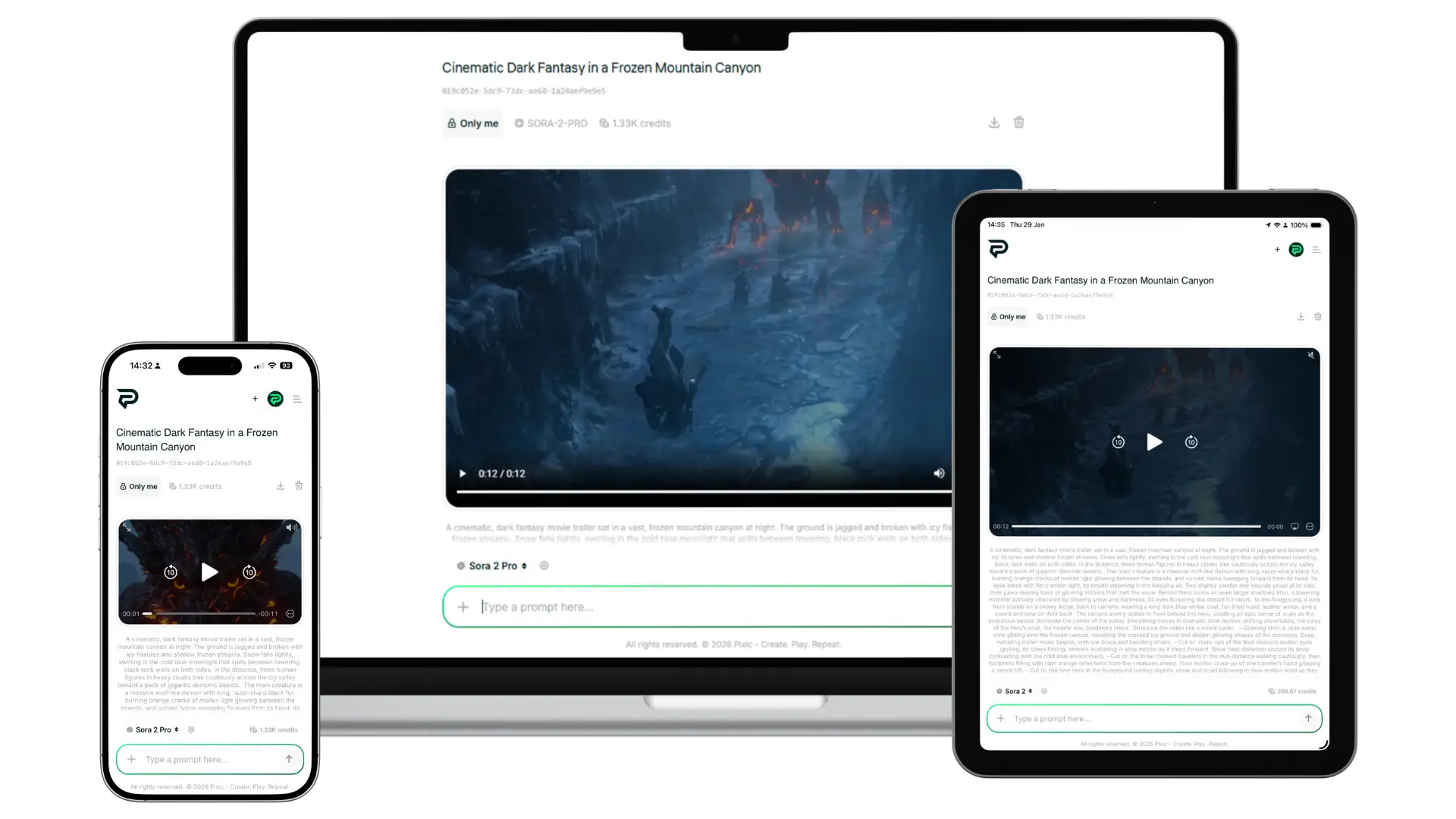
Explore what’s possible with Pixic VideoGen. From cinematic scenes to product demos, our AI video models bring your ideas to life—just describe what you want and watch it happen.
AI video models for every need and budget
Different models. Different capabilities. Different costs. You choose.
Veo 3.1 — Audio support, auto‑enhance prompt, frame adding
Veo 3.1 Fast — Fast generation, budget‑friendly
Veo 3 — Audio support, auto‑enhance prompt, frame adding
Veo 3 Fast — Faster Veo 3 generation
Veo 2 — Accurate and reliable
Grok Video — First Video model from xAI
Kling 2.6 Pro — Ultra-realistic performance
Seedance 1.0 Pro — Reliable and versatile video engine performance.
Everything you need to create AI videos
- Text‑to‑video – Describe your video in plain language. AI generates it.
- Image‑to‑video – Upload an image to animate or use as a reference frame.
- AI‑generated audio – Add sound to your video by describing it in your prompt (Veo 3 models).
- Auto‑enhance prompt – AI automatically improves your prompt for better results (select models).
- Frame adding – Upload images as reference frames to guide your video’s look.
- PromptGen assistant – Get help writing better video prompts inside Pixic Chat.
Flexible output for any platform
- Video length: 4s, 5s, 6s, 7s, 8s, 12s (varies by model)
- Aspect ratio: 16:9 (landscape), 9:16 (portrait)
- Resolution: 720p, 1080p
- Format: MP4
- Audio: AI‑generated (optional, Veo 3 models)
Not sure how to describe your video? PromptGen helps.
PromptGen is a trained assistant inside Pixic Chat that helps you craft detailed, effective video prompts. Describe your idea simply—PromptGen turns it into a prompt that gets results.
- Perfect for beginners and occasional users
- Suggests motion, camera angles, lighting, mood, and pacing
- Available to all users (Free & PRO)
FAQ × VideoGen
